01
The manager writes back while the person is still on LinkedIn
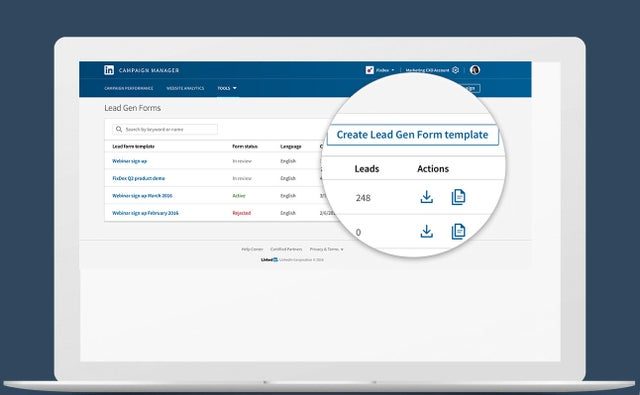
Before a form submitted on Tuesday waits in the ad account until someone exports the spreadsheet at the end of the week; by then the person has forgotten what they asked.
After LinkedIn sends the notice the moment the form is sent, the lead appears in the CRM with the job title and company already filled in, the manager on duty gets a notification and writes back the same day.
02
The manager sees the job title and company before the first call
Before a lead is a name and a phone number, and the manager searches the web to work out who is calling whom.
After the form takes the job title, company name and company size from the LinkedIn profile, so the card in the CRM already shows who this person is, what they answered in the form and when; the CRM routes a lead from a large company to a senior manager by the rule you set.
03
Registrations for your event come in through the same door
Before people who signed up on the event page or the company page are checked by hand and copied into the CRM after the event, when half of them are no longer interested.
After leads from the event page, the company page and the product page arrive by the same route as leads from ads, each marked by type, and the CRM starts the event follow-up for them the day they sign up.
04
You see which campaign brought the deal
Before the ad account shows how many forms each campaign collected, the CRM shows which deals closed, and nobody can join the two.
After the hidden fields — source, campaign, responsible manager — travel into the CRM with every lead; the deal report is grouped by campaign, and the campaign that brings forms but no deals is paused with the numbers in hand.