A manager needs to call a client
Before the manager dials from a separate phone and writes down notes after the fact.
After calling starts right from the client's card, and if it's a video call through Zoom or Teams, the meeting record saves itself.
 CRMUS
CRMUSUS CRM with built-in calling and no-code automation, ready to plug into the tools you already run
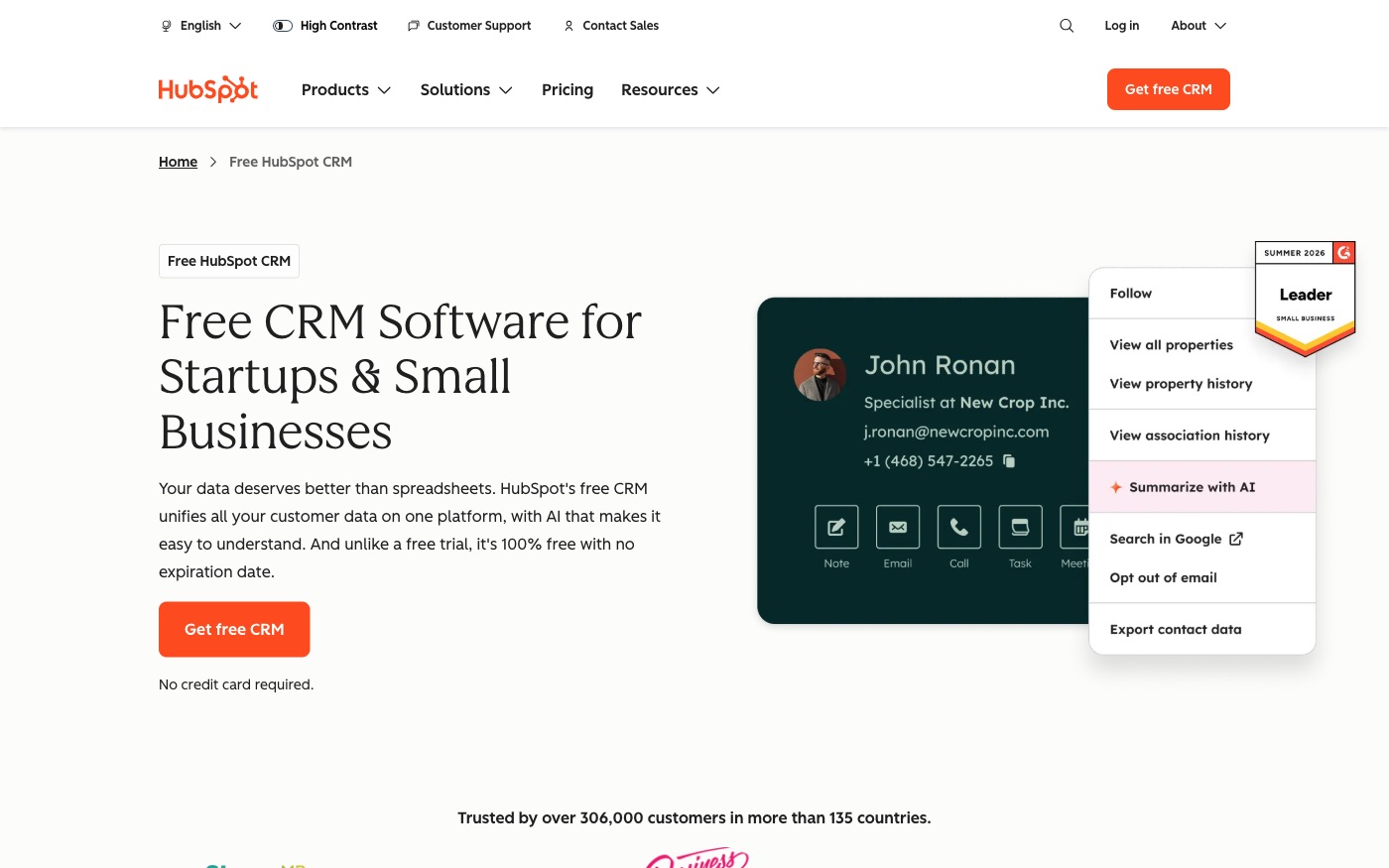
HubSpot keeps contacts, companies, deals and support tickets as linked records, and lets a manager call a client straight from that record without switching to a separate phone app. We set it up from a blank account, switch on the automation rules and telephony connections that already exist, and build a custom bridge wherever the tool you use isn't on HubSpot's ready list.
Before the manager dials from a separate phone and writes down notes after the fact.
After calling starts right from the client's card, and if it's a video call through Zoom or Teams, the meeting record saves itself.
Before someone has to remember to check the pipeline and send a follow-up by hand.
After an automatic Workflow watches the deal and sends the email or updates the record on its own, the moment the condition is met.
Before a manager opens several separate lists to see a company's deals, tickets and contacts.
After HubSpot links them all to the same company record, so everything shows up in one place.
Before an outside tool asks HubSpot again and again just to check if anything moved.
After HubSpot can push the event the instant it happens, and a tool that reconnects later can catch up on what it missed.
Before telephony and CRM stay two separate worlds a manager has to bridge by hand.
After since Ringostat and Zadarma both already have a ready connection to HubSpot, we turn it on and calls show up in the client's card without a custom build.
For those who want to check: each point links to the official documentation page it comes from.
The API uses date-based versioning (for example /crm/2026-09/): a new version ships on a schedule, and the previous one keeps working until its end-of-support date.
Source: developers.hubspot.com ↗ checked 2026-09-25A tool built for a single account signs in with a static access token; a tool meant to serve multiple accounts is required to use OAuth.
Source: developers.hubspot.com ↗ checked 2026-09-25HubSpot's CRM is built around objects — contacts, companies, deals, tickets and others — and every object type has its own numeric ID used in requests.
Source: developers.hubspot.com ↗ checked 2026-09-25A separate Webhooks Journal API (currently in beta) lets an outside system subscribe to real-time events and pull historical event data if it reconnects later.
Source: developers.hubspot.com ↗ checked 2026-09-25The built-in Workflows builder automates actions — sending an email, updating CRM data, launching another integration — based on an event, a schedule or a condition.
Source: knowledge.hubspot.com ↗ checked 2026-09-25The built-in Calling tool works straight from a contact record, a contact list, or the conversations inbox, and can place a call through a HubSpot number, a registered outbound number, or a third-party provider.
Source: knowledge.hubspot.com ↗ checked 2026-09-25A call is logged on a CRM record through the API: one request creates the call with its direction, duration in milliseconds, notes and a recording link (HTTPS .mp3 or .wav only) and associates it with the contact.
Source: developers.hubspot.com ↗ checked 2026-09-29Each logged call can carry an outcome from a fixed list, such as No answer or Wrong number, which HubSpot stores as a call property.
Source: developers.hubspot.com ↗ checked 2026-09-29Privately distributed apps on Free and Starter get 100 requests per 10 seconds per app and 250,000 per day, and the daily limit is shared by all apps in the account.
Source: developers.hubspot.com ↗ checked 2026-09-29Free and Starter accounts are capped at 100 requests per 10 seconds per app and 250,000 requests a day per account; the burst limit applies per app, the daily one to the whole account. Calling requires a paid Sales or Service seat, and automatic call transcription is limited to Sales Hub or Service Hub Professional/Enterprise seats. Active-list segmentation inside Workflows is available only on Marketing Hub Professional and Enterprise.
Three steps from a first message to work on your project.
Describe the task in the form — in text or by voice. Budget and timing are optional.
A developer studies the brief, asks about anything unclear and sends an estimate.
Once scope and price are agreed, the work begins.
or write to info@coreviaflow.space
Describe the task in text or a voice message. We look at your setup and reply with a plan.
Four services people come to us for most often. Each page explains what we do, how the work goes and where to start.
Choose the system, set up the pipeline, migrate data, train the team.
Learn more →Accounting, telephony, website, payments and messengers feed the CRM on their own.
Learn more →Orders, requests and answers around the clock, straight into your CRM.
Learn more →Flows between CRM, email, spreadsheets, payments and AI, on your own server.
Learn more → ↔
↔Every Aircall call lands on the right HubSpot contact with its recording, notes and outcome
See scenarios →↔
HubSpot contacts reach the right Mailchimp audience with tags that match their stage, and opens and clicks return to the contact card
See scenarios →↔
Calls and texts from RingCentral land on the right HubSpot contact, missed calls become tasks, and reps dial from the HubSpot record through their own RingCentral line
See scenarios →↔
Marketing leads from HubSpot become leads and contacts in Salesforce, and deal stages, owners and closed sales from Salesforce come back to HubSpot for reporting and nurturing
See scenarios →CRMUSEnterprise CRM with a live event feed and no-code automation across every record type
See scenarios → CRMUS
CRMUSUS CRM with a dedicated bulk data channel and a step-by-step process enforcer, built to plug into your existing tools
See scenarios → CRMEU
CRMEUThe deal-focused CRM: connect it once, and deals, contacts and follow-ups keep themselves in sync
See scenarios → IP telephonyUA
IP telephony with ready CRM connections and call alerts at the exact moment you need them
See scenarios → IP telephonyEU
European telephony with ready CRM connections and live call event alerts
See scenarios → Payments & POSUS
One checkout for 125+ local payment methods, plus automatic tax and subscription billing
See scenarios →Implementation · Development · Integrations →
HubSpot is a trademark of its owner. CoreviaFlow is not affiliated with it unless stated otherwise. Screenshots are taken from public vendor materials; the source is shown under each one.