CoreviaFlowCOREVIAFLOWDIGITAL PROJECT COMPANY Leave a request
EN UA RU
Marketing & EmailEU

Brevo integration & automation

One connection for email, SMS and WhatsApp that keeps every channel talking to the same contact record

Brevo sends across several channels at once — email, SMS, WhatsApp — from one place. We connect it to your CRM and other systems, so a contact created anywhere reaches Brevo automatically, and what a client does with a message flows back into the system where your team actually works.

What we connect

  • Contacts sync between Brevo and your CRM, so a new client is ready to receive an email, SMS or WhatsApp message without anyone re-entering them.
  • One connection covers three channels at once — email, SMS and WhatsApp — instead of wiring up each one separately.
  • Events like an order or a filled-in form can be tracked and used to start the right message automatically.
  • Access is set up once from account settings, with its own dedicated key saved securely on our side rather than handed around.
  • During high-volume sending we pace requests to stay within what the account's plan allows, so messages don't get delayed by errors.
  • For anything a ready-made link doesn't cover, we build a custom connection on top.

Automation scenarios

01

A client completes an order online

Before the store's system knows about the order, but the messaging tool doesn't, so no confirmation goes out on its own.

After the event reaches Brevo and starts the right message automatically, on whichever channel fits — email, SMS or WhatsApp.

02

A contact exists only in the CRM

Before someone exports a list by hand before every campaign.

After the contact syncs into Brevo automatically, so campaigns always reach the current list.

03

A team needs to send through more than one channel

Before email, SMS and WhatsApp each run through a separate tool, so nothing lines up.

After one connection covers all three, so a contact's history looks the same everywhere.

04

A busy sending period pushes close to the account's limit

Before too many requests go out at once and some fail outright.

After requests are paced to the account's allowed rate, so a send just queues for a moment instead of failing.

How it works technically

For those who want to check: each point links to the official documentation page it comes from.

  • Brevo offers one connection point for sending messages across email, SMS and WhatsApp, plus managing contacts, tracking events, syncing e-commerce data and custom objects.

    Source: developers.brevo.com ↗ checked 2026-09-25
  • Requests are authenticated with an access key created in account settings and sent in its own dedicated field with every request.

    Source: developers.brevo.com ↗ checked 2026-09-25
  • The access key is shown only once, at the moment it's created — if it isn't saved right away, it can't be viewed again afterward.

    Source: developers.brevo.com ↗ checked 2026-09-25
  • Request-rate limits are split into tiers by plan: a general tier available on every plan, and higher tiers unlocked on larger plans.

    Source: developers.brevo.com ↗ checked 2026-09-25
  • Going over the allowed request rate returns a 429 error instead of letting the request through.

    Source: developers.brevo.com ↗ checked 2026-09-25

Limits

On the general tier, sending a transactional email through the connection allows up to 150 requests per second (540,000 per hour) before a request has to wait.

Screenshots

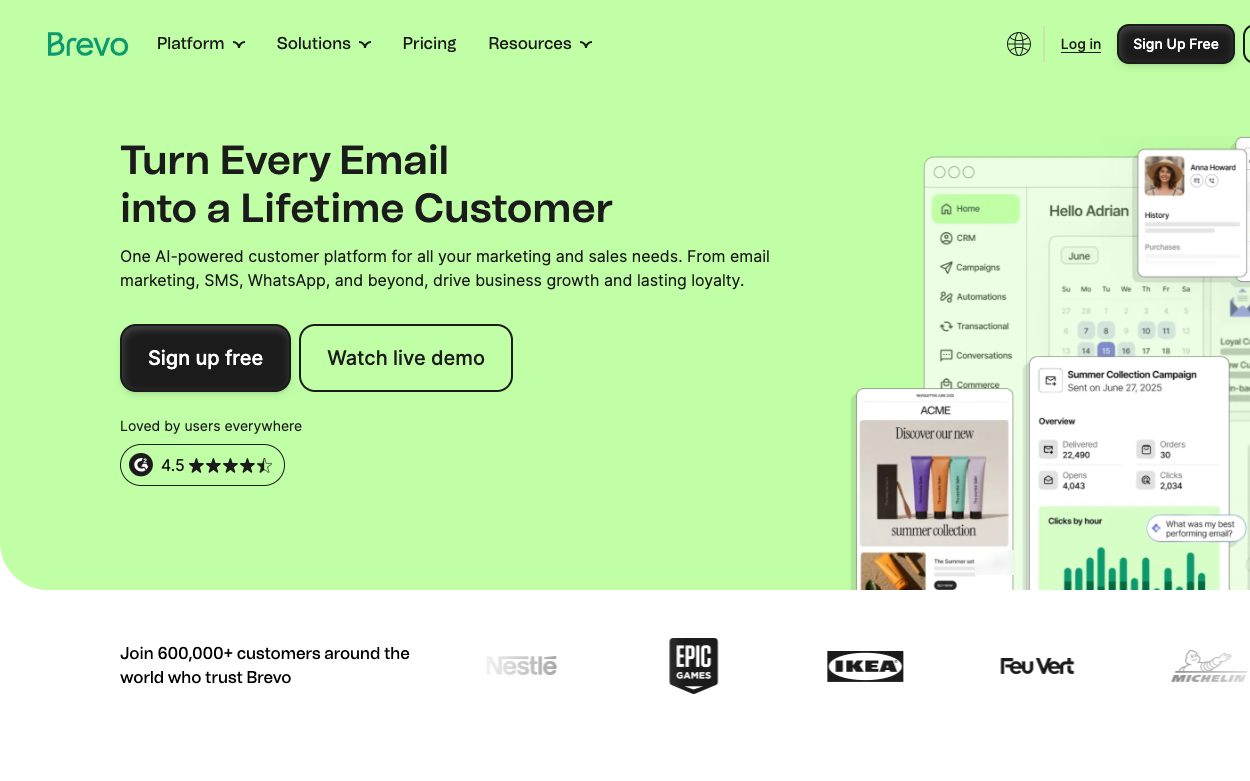
Brevo home page with the campaign dashboard
Campaign dashboard Source: www.brevo.com ↗
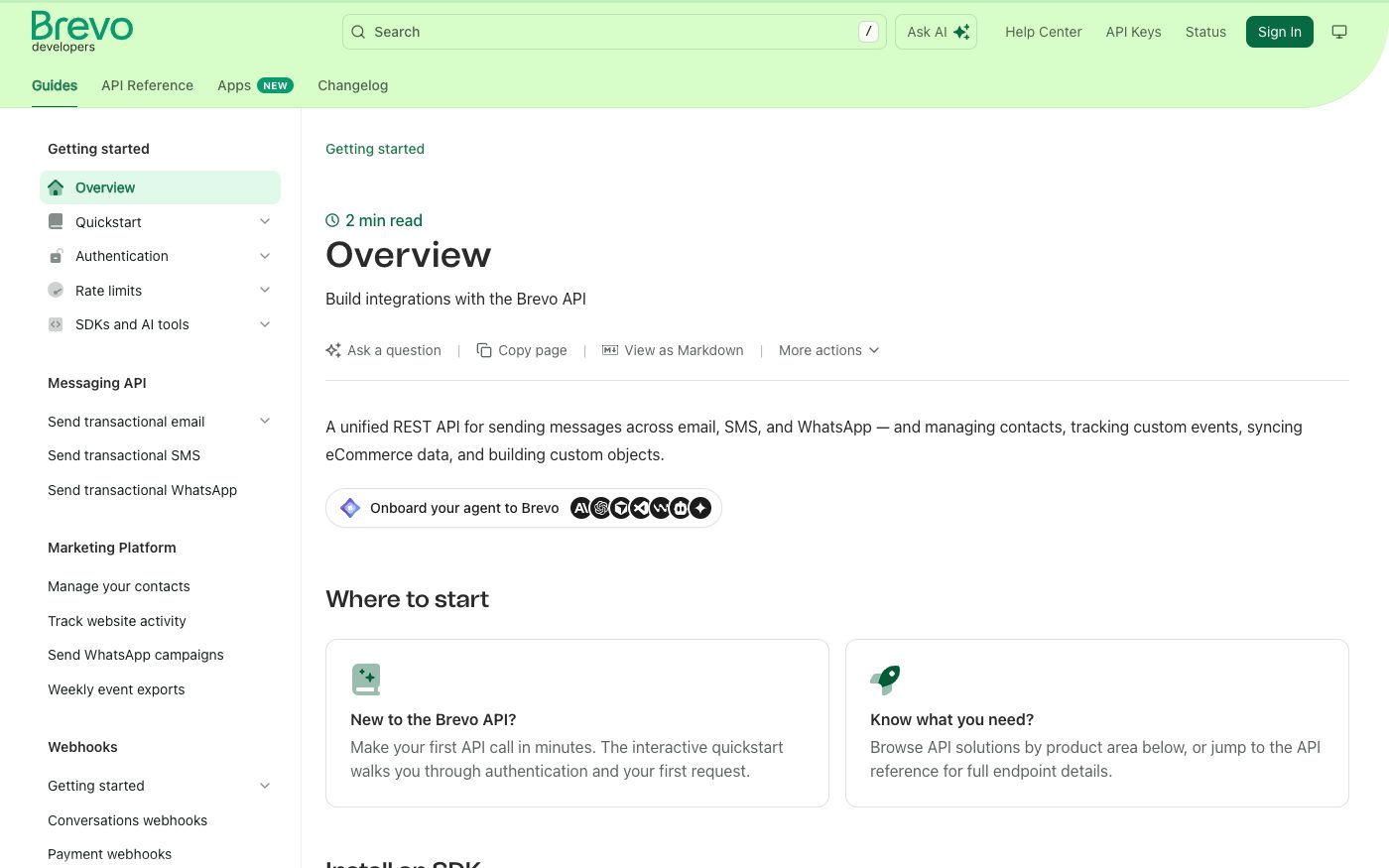
Brevo API getting started guide
Getting started Source: developers.brevo.com ↗

How to start

Three steps from a first message to work on your project.

  1. 01

    Leave a request

    Describe the task in the form — in text or by voice. Budget and timing are optional.

  2. 02

    We review and estimate

    A developer studies the brief, asks about anything unclear and sends an estimate.

  3. 03

    We start

    Once scope and price are agreed, the work begins.

or write to info@coreviaflow.space

Questions

Can Brevo send through more than just email?
Yes — one connection covers email, SMS and WhatsApp, plus managing contacts and tracking events.
Where does the access key come from, and can we see it again later?
It's created once in account settings and shown only that one time — if it isn't saved right away, a new one has to be created to see it.
Does our Brevo plan affect what we can connect?
Yes — request-rate limits are split into tiers, and the general tier is available on every plan, while higher tiers open up on larger plans.
What happens if a lot of messages go out at once?
There's an allowed request rate for each type of send; going over it returns an error, so we pace requests to stay under that limit.

Tell us what needs to be connected

Describe the task in text or a voice message. We look at your setup and reply with a plan.