A call comes in on a business phone number
Before a manager takes the call from a separate phone app, with nothing recorded on the client's card.
After the number is tied straight into the CRM, so the call lands on the right record by itself.
 IP telephonyUS
Calls, texts and messages built into your own systems — instead of a separate phone app nobody checks
Twilio is a US communications platform where every channel — calls, texts, messaging apps — has its own connection module. We build exactly the piece your business needs: a call that lands on a client's card, a text that goes out on its own, or a phone number tied straight into your website — instead of your team learning and paying for a separate calling app.
Before a manager takes the call from a separate phone app, with nothing recorded on the client's card.
After the number is tied straight into the CRM, so the call lands on the right record by itself.
Before someone writes and sends the reminder by hand, if they remember.
After the text goes out on its own the moment an order status changes, without anyone typing it.
Before giving the widget the same keys as the main account looks risky if the widget itself ever gets compromised.
After a separate short-lived access code lets the widget work safely without ever exposing the main account keys.
Before other systems have no idea anything happened until someone checks manually.
After Twilio notifies them the moment the call ends, so records update on their own.
For those who want to check: each point links to the official documentation page it comes from.
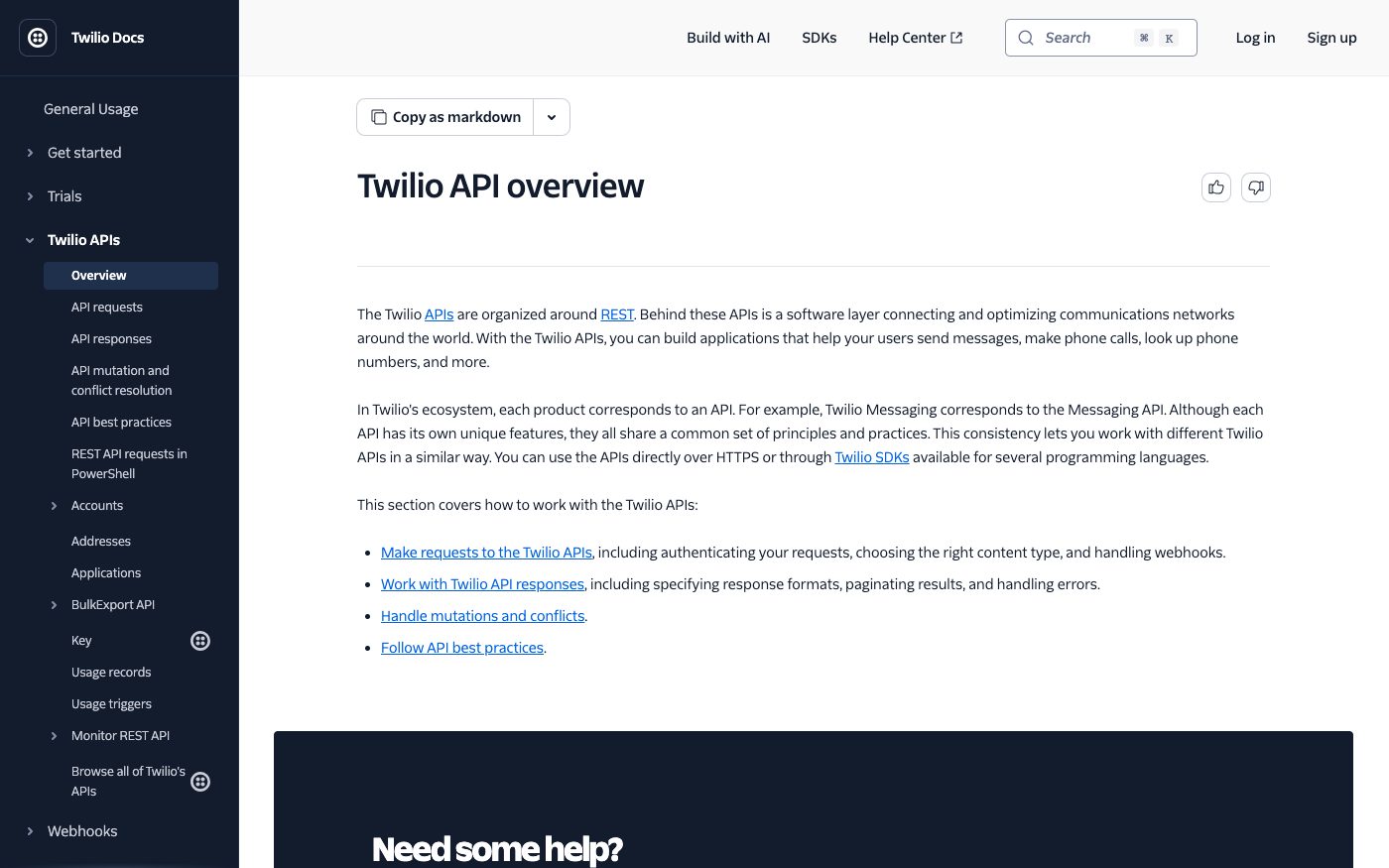
Behind Twilio's REST-style interfaces sits a software layer that connects and optimizes communications networks around the world.
Source: www.twilio.com ↗ checked 2026-09-25In Twilio's ecosystem, each product — messaging, calling and so on — has its own separate interface module.
Source: www.twilio.com ↗ checked 2026-09-25Access keys are Twilio's preferred way to authenticate: they let the account owner control exactly which users and apps can reach its resources, and revoke that access at any moment.
Source: www.twilio.com ↗ checked 2026-09-25There are three levels of access key: Main (full access, equal to the account's own main credentials), Standard (access to all resources except managing the account and its keys) and Restricted (narrowed to specific resources only).
Source: www.twilio.com ↗ checked 2026-09-25If an app is built on one of Twilio's client-side app kits, it specifically needs an access key to issue the short-lived access codes that app uses to connect.
Source: www.twilio.com ↗ checked 2026-09-25An outgoing SMS or WhatsApp message is sent by one API request to the account's Messages resource; in trial mode the recipient's number must first be verified with Twilio.
Source: www.twilio.com ↗ checked 2026-09-29Twilio calls back a URL you give it every time a message changes status, and if the message failed or was undelivered, the callback carries an error code explaining why.
Source: www.twilio.com ↗ checked 2026-09-29There's no single overall number for how many requests a connection can send — Twilio sets that ceiling separately for each product and channel in its own part of the documentation, not as one general rule for the whole account.
Three steps from a first message to work on your project.
Describe the task in the form — in text or by voice. Budget and timing are optional.
A developer studies the brief, asks about anything unclear and sends an estimate.
Once scope and price are agreed, the work begins.
or write to info@coreviaflow.space
Describe the task in text or a voice message. We look at your setup and reply with a plan.
Four services people come to us for most often. Each page explains what we do, how the work goes and where to start.
Choose the system, set up the pipeline, migrate data, train the team.
Learn more →Accounting, telephony, website, payments and messengers feed the CRM on their own.
Learn more →Orders, requests and answers around the clock, straight into your CRM.
Learn more →Flows between CRM, email, spreadsheets, payments and AI, on your own server.
Learn more → IP telephonyEU
Cloud calling that plugs straight into the tools your sales and support team already use
See scenarios → IP telephonyUS
Business calls, texts and video in one connected system — synced with what your team already uses
See scenarios → IP telephonyEU
European telephony with ready CRM connections and live call event alerts
See scenarios → IP telephonyUA
IP telephony with ready CRM connections and call alerts at the exact moment you need them
See scenarios → CRMUA
CRMUAUkrainian CRM that pulls orders from your site, marketplaces and chat apps into one pipeline
See scenarios → IP telephonyUA
IP telephony with ready-made CRM links and one-click calling
See scenarios →Implementation · Development · Integrations →
Twilio is a trademark of its owner. CoreviaFlow is not affiliated with it unless stated otherwise. Screenshots are taken from public vendor materials; the source is shown under each one.