
A connection needs to check many records quickly
Before quick checks and heavier actions share one queue, risking an overload that stalls everything.
After light lookups and heavy actions are grouped separately, so one doesn't choke the other.
 IP telephonyUS
Business calls, texts and video in one connected system — synced with what your team already uses
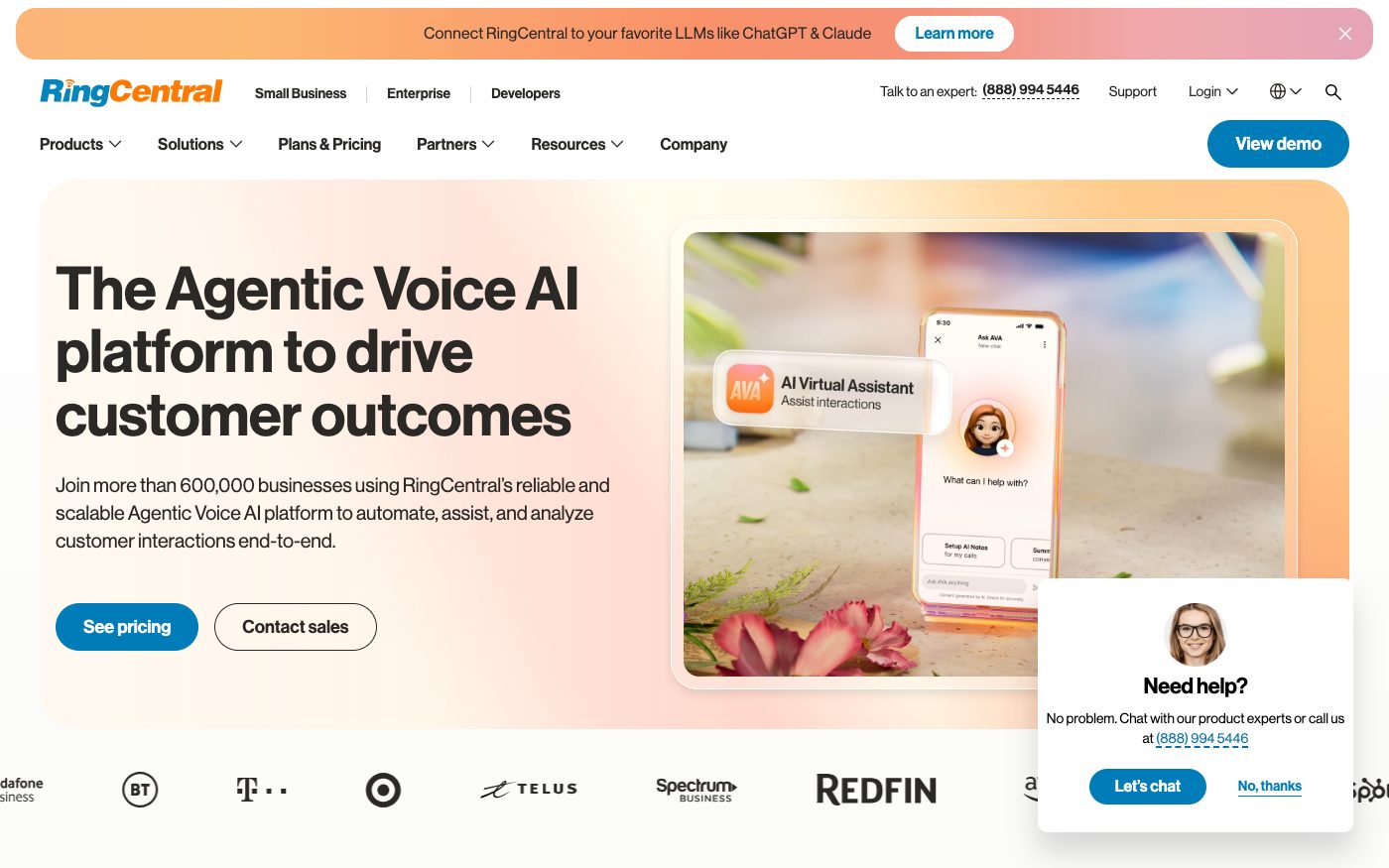
RingCentral is a US business phone and messaging system built for teams that need calls, texts and video in one place. We connect it to your CRM or support desk, and design the connection to pace itself against RingCentral's own request ceilings — so a busy day slows down gracefully instead of getting stuck.
Before quick checks and heavier actions share one queue, risking an overload that stalls everything.
After light lookups and heavy actions are grouped separately, so one doesn't choke the other.
Before the connection keeps retrying blindly and gets stuck longer as a result.
After RingCentral states exactly how many seconds to wait, and the connection pauses that long, not a moment more.
Before repeated sign-in attempts risk tripping the tightest ceiling of any group.
After the connection signs in once and holds that session, instead of reconnecting over and over.
Before the CRM sits unaware until someone checks manually.
After RingCentral notifies the CRM the moment it happens, so the record updates itself.
For those who want to check: each point links to the official documentation page it comes from.
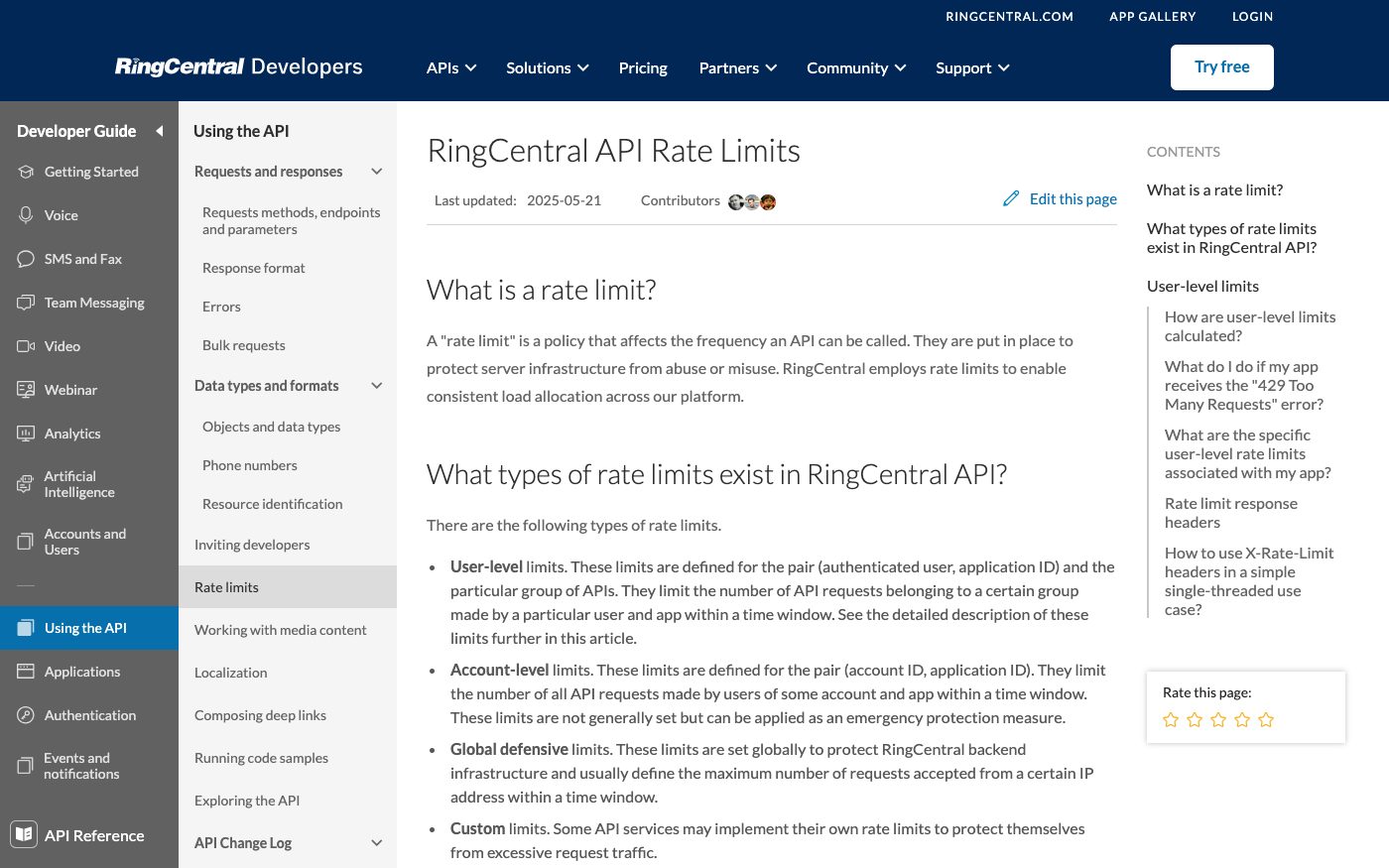
Every method of RingCentral's interface belongs to one of several request groups, so the platform can better distribute load and protect itself.
Source: developers.ringcentral.com ↗ checked 2026-09-25Default ceilings per group, per user per minute: Light 50, Medium 40, Heavy 10, and Auth (signing in) just 5 — each with its own 60-second penalty window.
Source: developers.ringcentral.com ↗ checked 2026-09-25Going over the ceiling returns a Too Many Requests error, and the exact number of seconds to wait before trying again is stated right in the response.
Source: developers.ringcentral.com ↗ checked 2026-09-25Sending more requests during that wait resets the clock, so an app that doesn't respect the wait can get stuck in a repeating loop of being blocked.
Source: developers.ringcentral.com ↗ checked 2026-09-25The groups are counted independently of each other — running out of allowance on light requests doesn't touch the remaining allowance on medium ones.
Source: developers.ringcentral.com ↗ checked 2026-09-25The default ceilings — for example, only 5 sign-in attempts a minute — are RingCentral's own starting point; the vendor states the actual numbers can be customized per app, so the real limit for a specific connection may be higher or lower.
Three steps from a first message to work on your project.
Describe the task in the form — in text or by voice. Budget and timing are optional.
A developer studies the brief, asks about anything unclear and sends an estimate.
Once scope and price are agreed, the work begins.
or write to info@coreviaflow.space
Describe the task in text or a voice message. We look at your setup and reply with a plan.
Four services people come to us for most often. Each page explains what we do, how the work goes and where to start.
Choose the system, set up the pipeline, migrate data, train the team.
Learn more →Accounting, telephony, website, payments and messengers feed the CRM on their own.
Learn more →Orders, requests and answers around the clock, straight into your CRM.
Learn more →Flows between CRM, email, spreadsheets, payments and AI, on your own server.
Learn more → ↔
↔Calls and texts from RingCentral land on the right HubSpot contact, missed calls become tasks, and reps dial from the HubSpot record through their own RingCentral line
See scenarios →↔
Calls and messages from RingCentral are logged on Salesforce records by themselves, missed calls become tasks, and the rep dials from the record with the client's card already open
See scenarios → IP telephonyUS
Calls, texts and messages built into your own systems — instead of a separate phone app nobody checks
See scenarios → IP telephonyEU
Cloud calling that plugs straight into the tools your sales and support team already use
See scenarios → IP telephonyUA
IP telephony with ready-made CRM links and one-click calling
See scenarios → IP telephonyEU
European telephony with ready CRM connections and live call event alerts
See scenarios →CRMUSEnterprise CRM with a live event feed and no-code automation across every record type
See scenarios → IP telephonyUA
IP telephony with ready CRM connections and call alerts at the exact moment you need them
See scenarios →Implementation · Development · Integrations →
RingCentral is a trademark of its owner. CoreviaFlow is not affiliated with it unless stated otherwise. Screenshots are taken from public vendor materials; the source is shown under each one.