A client calls in for the first time
Before a manager writes down the number and details by hand while talking.
After the call itself creates a lead card the moment it comes in, so nothing depends on the manager's memory.
 CRMUA
CRMUAThe CRM built for order-taking: every lead from every channel lands in one place on its own
SalesDrive is built around one job: catching every order, no matter where it comes from — a call, a marketplace, a website form — and turning it into a card a manager can work with right away. We connect it to your telephony, marketplaces, delivery tracking and payment flow, so nothing has to be typed in by hand twice.
Before a manager writes down the number and details by hand while talking.
After the call itself creates a lead card the moment it comes in, so nothing depends on the manager's memory.
Before someone checks each marketplace's dashboard separately and copies orders in by hand.
After every order lands in SalesDrive on its own, in one list, regardless of which marketplace it came from.
Before a lead sits unnoticed until someone opens the CRM and looks.
After SalesDrive assigns it to a manager and sends an instant notification the moment it arrives, so nothing waits.
Before a manager opens Nova Poshta's tracking page to check where an order is.
After the delivery status is visible right on the order card, updated on its own.
For those who want to check: each point links to the official documentation page it comes from.
API requests are authorised with a key sent in the Form-Api-Key header, created in the system's settings.
Source: salesdrive.ua ↗ checked 2026-09-25The order-list method is rate-limited: 10 requests a minute, 100 an hour, 1000 in 24 hours; this limit applies only to that one method.
Source: salesdrive.ua ↗ checked 2026-09-25The open API covers adding and updating orders, products and categories, currency rates, payment and delivery methods, order statuses, payments and calls.
Source: salesdrive.ua ↗ checked 2026-09-25Webhooks send an order's data to an external service in POST JSON format, triggered either by a new order or by a status change, and several webhooks with different trigger conditions can run at once.
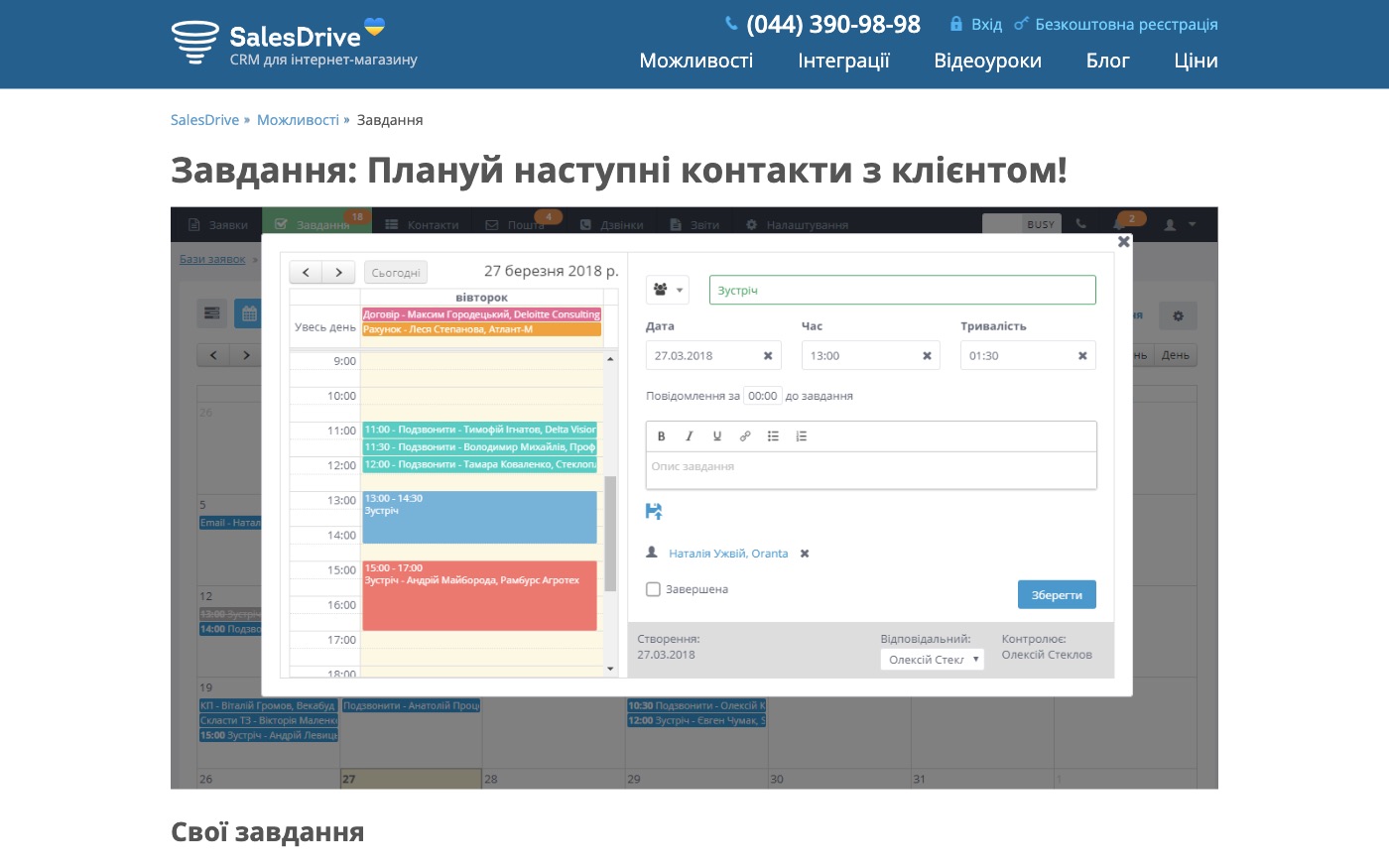
Source: salesdrive.ua ↗ checked 2026-09-25New leads are auto-distributed among managers, with instant and email notifications about new leads from the website.
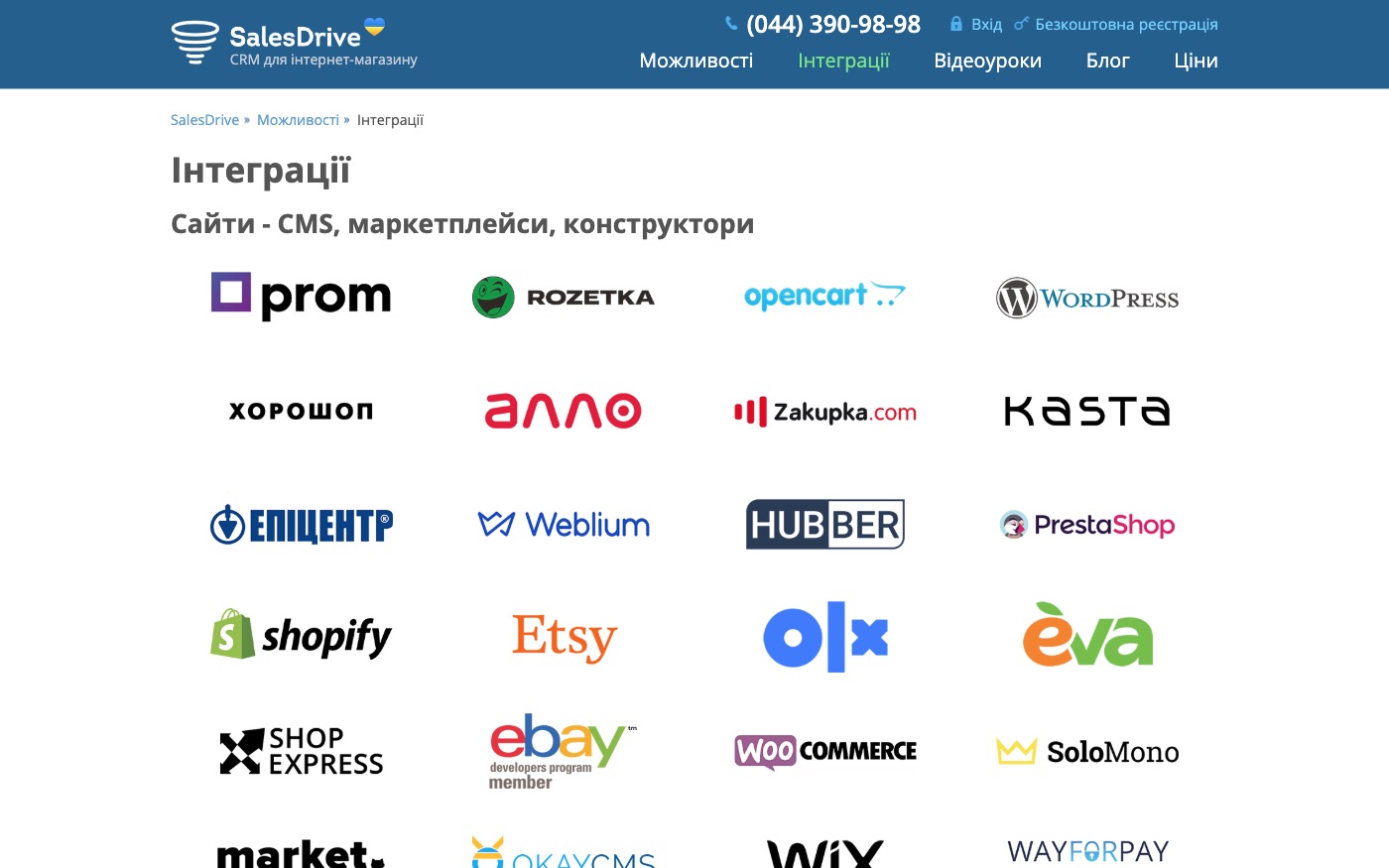
Source: salesdrive.ua ↗ checked 2026-09-25SalesDrive has ready-made native connections with Binotel, Ringostat and Zadarma telephony, and with Rozetka, Prom.ua and Nova Poshta.
Source: salesdrive.ua ↗ checked 2026-09-25System-wide caps: up to 1 million leads, 1 million contacts, 1.5 million calls, 25,000 products per user, and 600 new orders a month per user. The order-list API method is additionally capped at 10 requests a minute / 100 an hour / 1000 in 24 hours; other API methods carry no published limit.
Three steps from a first message to work on your project.
Describe the task in the form — in text or by voice. Budget and timing are optional.
A developer studies the brief, asks about anything unclear and sends an estimate.
Once scope and price are agreed, the work begins.
or write to info@coreviaflow.space
Describe the task in text or a voice message. We look at your setup and reply with a plan.
Four services people come to us for most often. Each page explains what we do, how the work goes and where to start.
Choose the system, set up the pipeline, migrate data, train the team.
Learn more →Accounting, telephony, website, payments and messengers feed the CRM on their own.
Learn more →Orders, requests and answers around the clock, straight into your CRM.
Learn more →Flows between CRM, email, spreadsheets, payments and AI, on your own server.
Learn more → CRMUA
CRMUAUkrainian CRM that pulls orders from your site, marketplaces and chat apps into one pipeline
See scenarios → CRMUA
CRMUADeals, calls and documents move through Bitrix24 on their own, tracked step by step
See scenarios → IP telephonyUA
IP telephony with ready-made CRM links and one-click calling
See scenarios → Payments & POSUA
The cash register that sends the receipt to the tax office the moment payment goes through
See scenarios → Payments & POSUA
Card payments that connect straight to the Checkbox cash register, plus 50+ ready platform connections
See scenarios → CRMUA
CRMUASelling goods through LP-CRM? We connect it to everything else your business runs on
See scenarios →Implementation · Development · Integrations →
SalesDrive is a trademark of its owner. CoreviaFlow is not affiliated with it unless stated otherwise. Screenshots are taken from public vendor materials; the source is shown under each one.